Introduction#
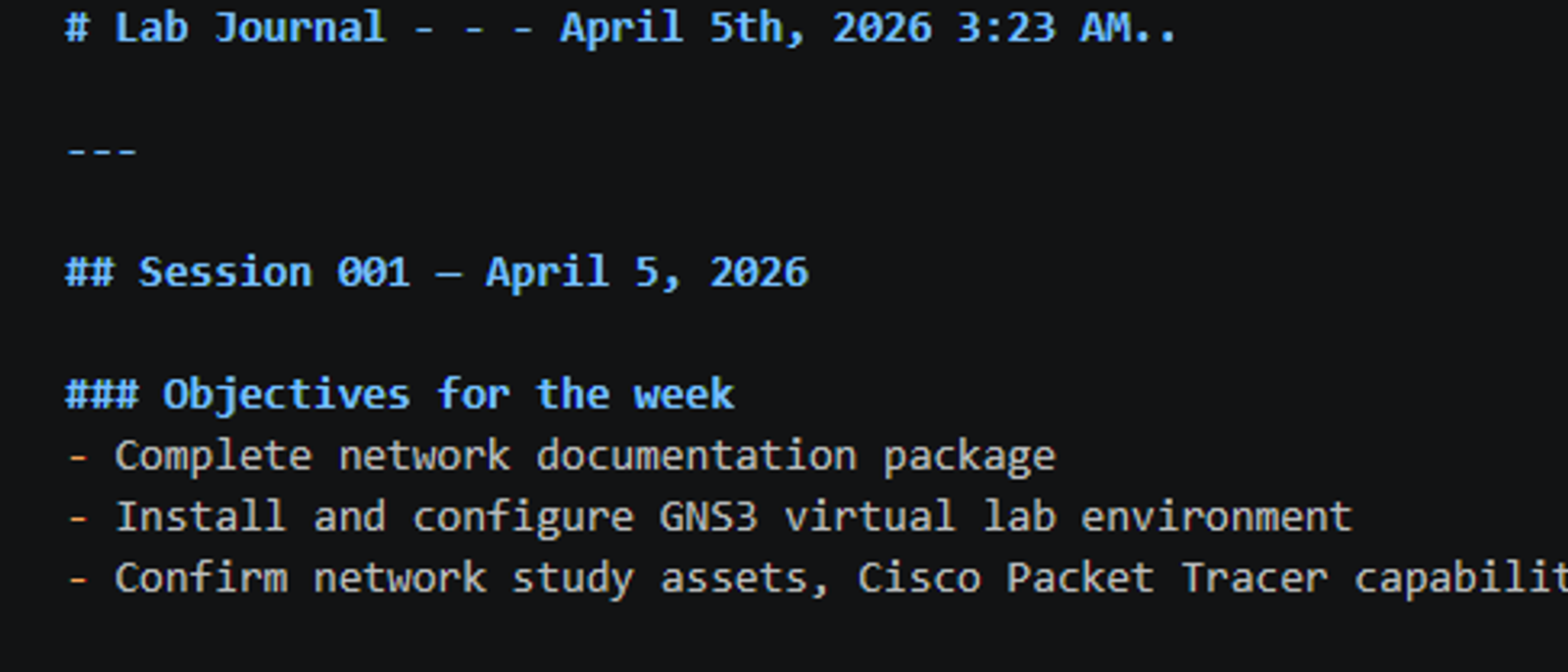
So here is week 2 of my physical hands on home lab project. This week's focus is on documentation and mapping. Mastering the best effort engineering principles when it comes to topology, address schemes, asset management, and an effective Network Design Document, so that even the simplest minded of engineers can effectively apply the network as fit. Getting that and the virtual labs off the ground was essential, but it did not go as planned.
Documentation First#
In week 1 I made all the purchases, resource requirements and needs fulfilled or clearly stated. This week I wanted to ensure that I built up passive skills such as project management, version control, documentation, and asset management. Understanding these principles allowed me to craft a solid GitHub repository containing topology diagrams, an IP addressing scheme, and a VLAN registry. Documenting before building is one of the most crucial steps of knowing what to do and how to do it. The best practice is to set the foundation for what an environment or workplace will become, and that is something I put into practice this week.
https://github.com/StefanPeele/9u-network-homelab


The GNS3 Journey#
This part was rough. I had not used GNS3 on a laptop before and it proved quite troublesome. Walking through exactly what happened, I downloaded GNS3 in order to hold image files of the Cisco router and other software I intended to use. I accompanied this download with VirtualBox, which I have used in the past for Linux servers, this time as a way to connect the GNS3 .ova file and give the virtual machine 8GB of RAM and 2 cores to work with. Plenty for around 5 to 6 Cisco images running at once. But what I discovered in the process was worth more than a clean install would have been.
VirtualBox threw a driver failure error at me. After trying to repair by installing an older version to coexist with my drivers and GNS3, the adapter created successfully and the GNS3 VM finally booted up, but briefly. The KVM was the biggest issue. KVM, or Kernel-based Virtual Machine, is a Linux kernel virtualization technology that Cisco's IOSv and IOSvL2 images require to run inside GNS3. The problem was that KVM inside of a VM requires nested virtualization, which is your physical CPU passing virtualization instructions through multiple software layers simultaneously. My system was not doing that. Why?
I switched from VirtualBox to VMware Workstation Player 17 Pro, which had better nested virtualization support on Windows, hoping that it would resolve the issue. VMware started the GNS3 VM too, but it remained unstable, dropping connection and failing operations.
Something deeper was blocking it. That is when I ran a system diagnostic using the command line to check systeminfo, and it gave me the whole story:
Virtualization-based security: Status Running Hypervisor enforced Code Integrity: Running App Control for Business: Enforced Hyper-V Requirements: A hypervisor has been detected. Features required for Hyper-V will not be displayed.
Windows 11 Home on my machine has Virtualization Based Security and Hyper-V enforced Code Integrity running at the kernel level, right under my nose. These features give Windows exclusive control over the CPU's virtualization extensions. VMware and VirtualBox as a result cannot access them directly, making nested virtualization impossible regardless of what is changed at the application level.
I attempted the bcdedit fixes to disable the hypervisor at the bootloader level, but these commands were overridden during reboot through an existing provisioning policy on the device.
Closing#
Complicated, and a burden. However, the lesson here is not that GNS3 failed. It is the fact that I was able to understand why something failed, through hours of sifting through forums and hands on troubleshooting. I now fully understand the virtualization stack, from physical CPU extensions, through the hypervisor layer, through the VM, to the application running inside of it. I understand why enterprise environments enforce Virtualization Based Security and Code Integrity, and why devices have existing provisions on them depending on the workplace. The tradeoff between security hardening and lab flexibility is an entire conversation I can now have with a senior engineer, and I plan on it. A clean GNS3 install would have taught me none of that. At the same time I am disappointed, yet grateful.
For now, Cisco Packet Tracer will handle all of the labbing work. It was purposely built for the exact curriculum I am working through. GNS3 is still installed and ready for whenever my device is properly cleaned up and I can source a Cisco IOS image for Dynamips, which runs locally without a VM environment.
Responses
Corrections and disagreement are the most useful things you can leave here.
No responses yet. If something here is wrong, incomplete, or unclear, say so.
Leave a response